Implementing 5D Cost Control with Live Procurement Links in BIM
Learn how to effectively integrate 5D cost control and live procurement links into your BIM projects for enhanced project management and cost efficiency.
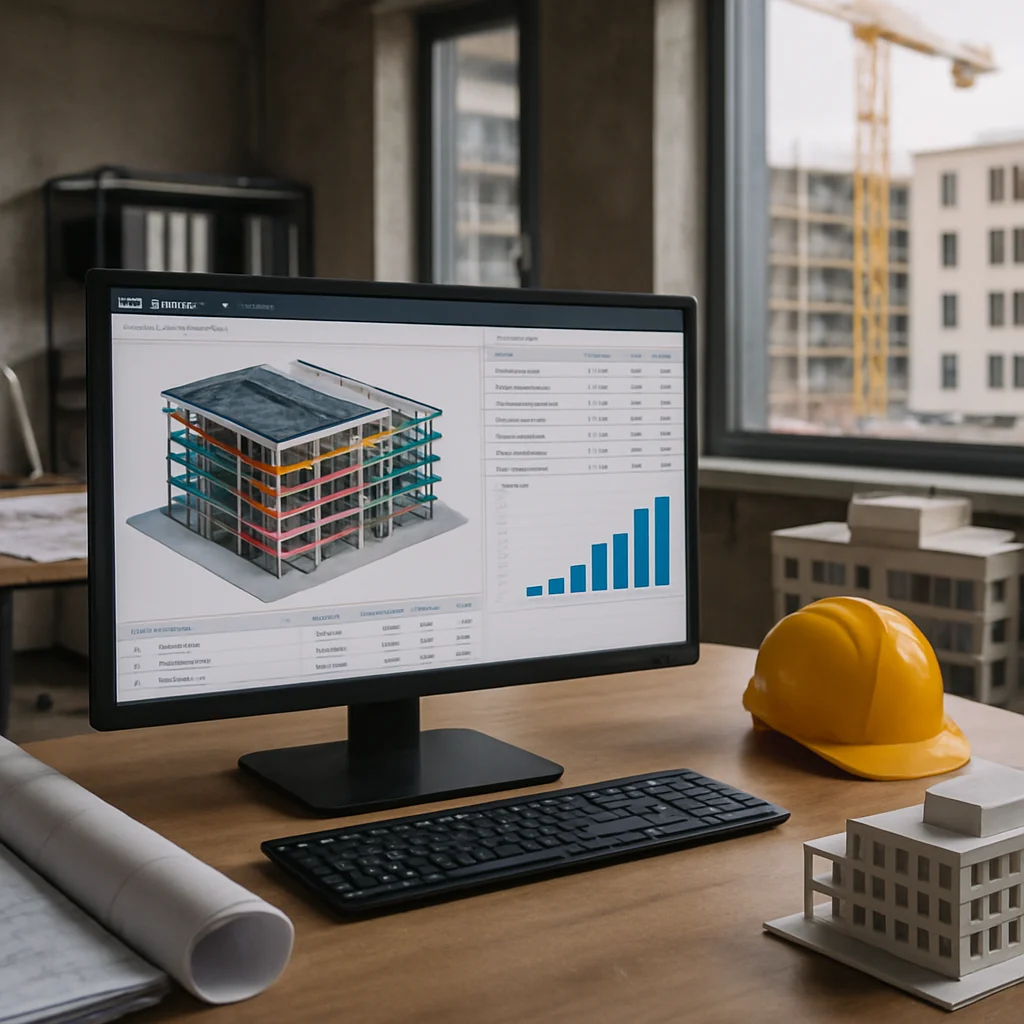
Building Information Modeling (BIM) has evolved into a powerful tool for engineers, architects, builders, and real estate professionals. One of its most significant advancements is the integration of 5D cost control, which can be augmented by live procurement links. This methodology not only enhances the accuracy of project costs but also enables real-time financial tracking and decision-making throughout the project lifecycle.
This article serves as a pragmatic step-by-step guide to implementing 5D cost control with live procurement links in your BIM projects, focusing specifically on the challenges and opportunities within the European context.
Understanding 5D Cost Control
5D cost control refers to the addition of time and cost dimensions to the traditional 3D (design) and 4D (scheduling) modeling. It allows for comprehensive project budgeting and expense tracking throughout all phases of construction. Here’s a deeper look:
- 3D Modeling: Represents the geometry of the building.
- 4D Scheduling: Integrates project timelines with the 3D model.
- 5D Cost Management: Links the project costs to the 3D/4D models, enabling real-time budget adjustments.
Step-by-Step Implementation of 5D Cost Control
Integrating 5D cost control with live procurement links is a structured process. Follow these steps to ensure successful implementation:
- Step 1: Assess Current BIM Capabilities
- Evaluate your existing BIM tools and processes.
- Determine if they support 5D functionalities.
- Step 2: Select a Suitable BIM Software
- Choose BIM software that has integrated 5D capabilities, such as Autodesk Revit, Navisworks, or ArchiCAD.
- Ensure the software supports live procurement links.
- Step 3: Develop a Cost Database
- Compile a comprehensive database of costs related to labor, materials, and equipment.
- Use historical data to inform your pricing models.
- Step 4: Link Costs to the BIM Model
- Assign cost data to individual model elements.
- Use parameters to ensure accurate cost representation.
- Step 5: Integrate Live Procurement Links
- Establish connections to procurement platforms that provide real-time updates on materials and labor costs.
- Enable automatic price adjustments based on current market rates.
- Step 6: Implement Regular Updates and Reviews
- Regularly update cost data and procurement links based on project changes.
- Conduct reviews to assess financial performance and project budgets.
- Step 7: Train Key Stakeholders
- Provide training sessions for team members on how to utilize 5D cost control tools.
- Ensure all stakeholders understand the importance of accurate data entry and updates.
Checklist for 5D Cost Control Implementation
- Assess current BIM capabilities.
- Select appropriate BIM software.
- Develop a cost database.
- Link costs to the BIM model components.
- Integrate live procurement links with real-time updates.
- Establish a regular update mechanism.
- Train team members on new processes.
Conclusion
Incorporating 5D cost control with live procurement links into your BIM methodology offers a strategic advantage in managing project costs and timelines effectively. By following the outlined steps, engineers, architects, builders, and real estate professionals can streamline their workflows, improve budget accuracy, and foster greater collaboration across project teams. As the construction industry continues to evolve, embracing such innovative approaches will be crucial for staying competitive and delivering successful projects in the EU market.