AI Smart Home Guide 2026: Alexa, Google Home, and Siri Installation
This practical 2026 guide explains how to convert an apartment or villa into an AI-powered smart home using Amazon Alexa, Google Home, or Apple Siri and HomeKit. It covers equipment selection, electrical and networking requirements, installation stages, security, energy management, and realistic project costs.
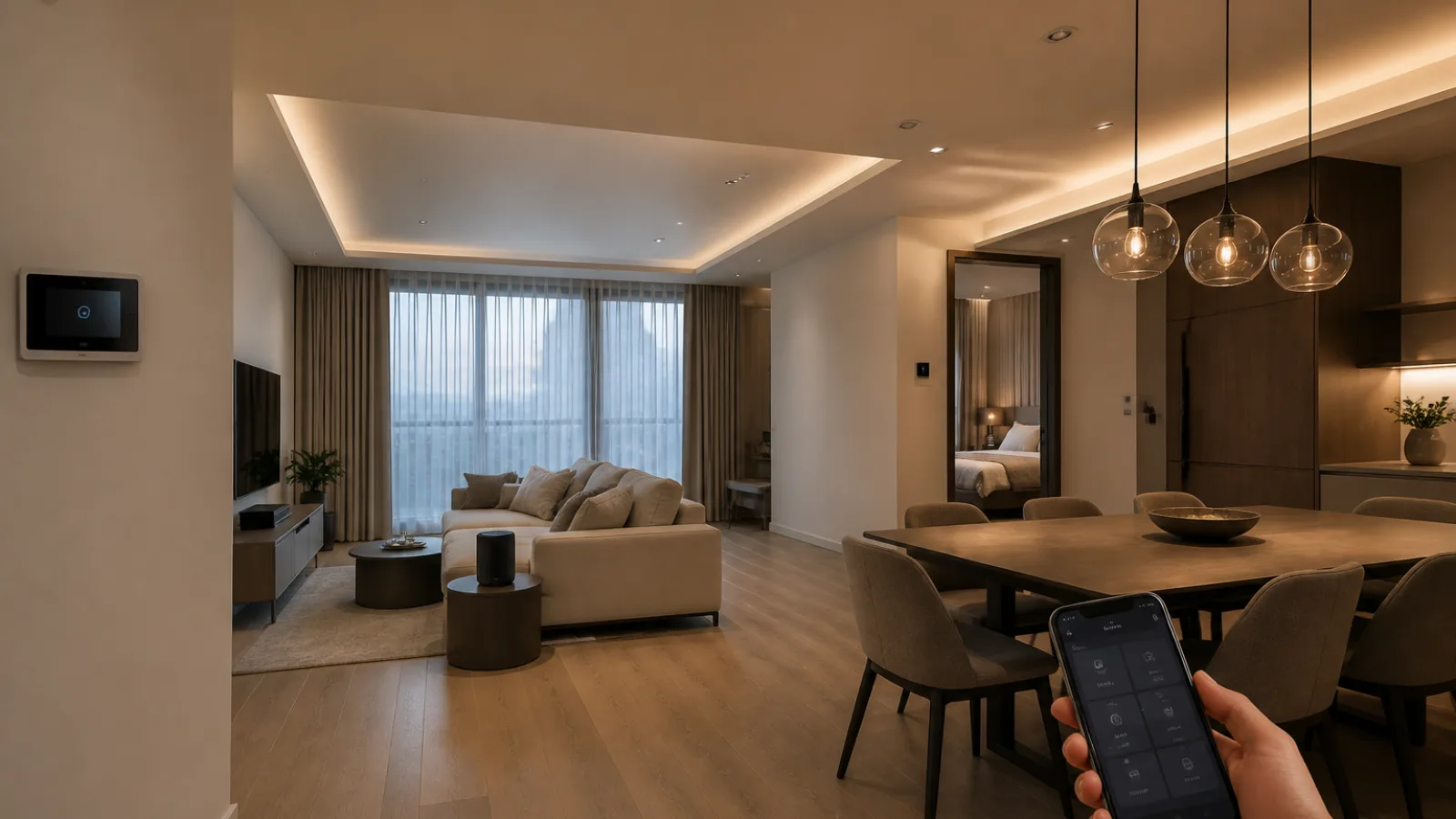
AI smart home automation is becoming practical for both existing apartments and newly constructed villas. A well-designed system can coordinate lighting, air conditioning, heating, curtains, locks, cameras, appliances, and energy use through voice commands, mobile apps, schedules, sensors, and artificial intelligence.
The best result does not come from buying the largest number of gadgets. It comes from selecting a compatible platform, checking the electrical infrastructure, designing reliable Wi-Fi or wired networking, and commissioning every device safely. This guide explains how to plan an Amazon Alexa smart home, Google Nest smart home, or Apple Home installation in 2026.
Alexa vs Google Home vs Siri: Which AI assistant is best?
Amazon Alexa, Google Assistant and Gemini for Home, and Apple Siri through Apple Home and HomeKit can all control compatible smart home devices. Their practical differences involve ecosystem compatibility, voice recognition, privacy, automation depth, local control, and hardware cost.
| Platform | Strengths | Limitations | Typical hardware cost |
|---|---|---|---|
| Amazon Alexa | Very broad device compatibility, strong routines, affordable Echo speakers, and extensive third-party integrations. | Some advanced services require cloud accounts or subscriptions; privacy settings need careful review. | Approximately US$30–US$250 for Echo hubs and speakers. |
| Google Home and Gemini for Home | Excellent natural-language search, household context, Google services, Nest cameras, and strong multi-room audio. | Features and Gemini availability vary by country, language, subscription, and device generation. | Approximately US$50–US$400 for Nest speakers, displays, and hubs. |
| Apple Home and Siri | Strong privacy controls, polished iPhone integration, secure automations, and reliable Matter and Thread support on suitable hubs. | Smaller device selection than Alexa in some categories; an Apple household and compatible home hub are usually required. | Approximately US$99–US$600 for HomePod devices, Apple TV hubs, and related equipment. |
For a mixed-device home, Matter support is increasingly important. Matter is an industry interoperability standard that allows approved products to work across participating ecosystems, although not every feature is exposed identically in Alexa, Google Home, and Apple Home. Check the exact product model, Matter controller, Thread border router requirements, and regional availability before purchasing. The official Matter smart home standard documentation is a useful reference for compatibility planning.
Choosing a platform for an apartment or villa
- Choose Alexa when broad product choice, affordable voice speakers, and flexible routines are priorities.
- Choose Google Home when the household already relies on Google services, Nest cameras, Android devices, or natural-language control.
- Choose Apple Home when privacy, iPhone integration, secure access, and a carefully controlled device list matter most.
- Use a multi-platform design when residents use different phones. Matter can reduce dependence on a single brand, but professional testing is still necessary.
Smart home installation: equipment and applications
A complete voice controlled home normally combines a central assistant or hub with sensors, actuators, network equipment, and safely installed electrical devices. Typical applications include:
- Smart lighting control: dimmers, lamps, occupancy sensors, scenes, sunrise schedules, and exterior lighting.
- Smart switches installation: wall switches or in-wall relays that preserve manual control while adding app and voice operation.
- Climate control: smart thermostats, HVAC gateways, fan-coil controllers, infrared bridges, heat-pump interfaces, and room temperature sensors.
- Security: door and window contacts, motion sensors, smart locks, video doorbells, cameras, sirens, and water-leak detectors.
- Comfort: motorised curtains, blinds, shutters, irrigation, media systems, and appliance control.
- Energy management: smart meters, solar monitoring, load scheduling, electric vehicle charging, and alerts for abnormal consumption.
Use certified products that match the local voltage, frequency, enclosure requirements, and electrical regulations. A plug-in smart socket is not automatically suitable for high-load water heaters, ovens, pumps, or air-conditioning compressors.
Step-by-step installation process
1. Survey the property and define the automation brief
Record room dimensions, existing switches, ceiling lights, air-conditioning equipment, distribution boards, internet entry points, door hardware, and areas with weak wireless coverage. Identify essential functions, such as security alerts and climate control, separately from convenience functions, such as decorative lighting or voice-controlled music.
2. Select the ecosystem and communication protocols
Choose Alexa, Google Home, Apple Home, or a compatible combination. Then classify devices by connection type. Wi-Fi devices are simple to deploy but increase wireless congestion. Zigbee devices usually require a hub but use low power and create a mesh network. Thread is a low-power mesh protocol designed for modern smart home devices and often works with Matter. Bluetooth is useful for commissioning and nearby devices but is less suitable as the sole protocol for a large property.
3. Improve networking before installing devices
Place the router or wired access points for consistent coverage rather than hiding one router in a cabinet. For larger villas, use wired Ethernet backhaul, multiple access points, a managed switch, and separate guest or IoT network segments. Test signal strength at every camera, lock, thermostat, switch, and hub location. A smart home with unreliable Wi-Fi will produce false alarms, delayed commands, and difficult support calls.
4. Install the main assistant or hub
For an Amazon Echo installation, connect the Echo to power, install the Alexa app, sign in, select the household location, connect to the correct Wi-Fi network, and enable only the skills required for the approved devices. For Google Nest, use the Google Home app, add the Nest speaker or display, assign it to a room, and configure Voice Match and household members. For Apple HomePod, use an iPhone or iPad to complete setup, assign the HomePod to a room, and confirm that a suitable Apple home hub is available for remote access and automations.
5. Add and name smart devices
Pair lights, switches, sensors, thermostats, locks, and cameras through the selected app or manufacturer bridge. Use consistent names such as Downstairs Hall Light or Main Bedroom AC rather than ambiguous names such as Light 1. Assign every device to the correct room and test manual operation before creating voice routines.
6. Configure scenes, routines, and permissions
Create practical routines such as Good Morning, Away, Arrival, Movie, Night, and Emergency. A Night routine might lock exterior doors, close curtains, reduce the temperature setpoint, turn off selected lights, and arm perimeter sensors. Use occupancy detection carefully: a motion sensor should not be the only input used to unlock a door or disarm an alarm.
7. Commission and document the installation
Test local control, voice control, app control, remote access, power recovery, internet failure, camera notifications, lock operation, and emergency overrides. Label the distribution board and smart relays, record device model numbers, save configuration backups where supported, and provide the homeowner with a handover guide.
Electrical and engineering requirements
Smart home technology must be integrated with the existing MEP installation, not treated as an overlay that ignores it. Many in-wall smart switches require a neutral wire. Older lighting circuits may have only line and switched-line conductors, requiring a no-neutral device, a bypass component, or rewiring. Capacitive LED loads can also cause flicker when paired with incompatible dimmers.
Smart relays installed behind switches or in distribution boards must be rated for the connected load and installed in suitable enclosures. High-current circuits, wet areas, motor loads, fire systems, gas appliances, and HVAC equipment require particular care. A qualified electrician should complete work inside the distribution board, alter fixed wiring, add circuits, install protective devices, or connect equipment above the installer’s legal scope.
Professional design should also consider surge protection, residual-current protection, earthing, cable routes, heat dissipation, equipment access, and fail-safe behaviour. Smart locks should retain a mechanical or battery emergency method. Security cameras and video doorbells should be positioned to respect neighbours and public areas.
Illustrative budget: 150 m² three-bedroom apartment
The following example is an indicative mid-range plan for an occupied apartment with existing conventional wiring, one main internet connection, split air-conditioning units, and no major rewiring. Prices vary substantially by country, brand, labour rates, taxes, wall access, and the number of HVAC interfaces.
| Equipment or work | Example quantity | Indicative installed allowance |
|---|---|---|
| Voice hubs or smart speakers | 3 | US$250–US$600 |
| Smart lighting switches and dimmers | 18 | US$900–US$2,700 |
| Smart lamps or LED drivers | 10 | US$300–US$900 |
| Door, window, motion, and leak sensors | 18 | US$500–US$1,200 |
| HVAC controllers or thermostats | 4 | US$600–US$1,800 |
| Motorised curtain interfaces | 6 | US$900–US$3,000 |
| Video doorbell and security cameras | 1 doorbell and 4 cameras | US$900–US$2,500 |
| Network upgrades, hub, and UPS | 1 system | US$500–US$1,500 |
| Programming, electrical work, and commissioning | Professional service | US$2,000–US$6,000 |
| Estimated total | US$6,850–US$20,200 |
A sensible installation can be delivered in stages. Stage one covers the network, hub, lighting, and essential security. Stage two adds HVAC, curtains, and sensors. Stage three adds energy monitoring, advanced scenes, appliance integration, and optional centralised control. This approach reduces disruption and makes it easier to confirm compatibility.
International smart home installation costs
Typical professional costs differ because of labour rates, electrical regulations, housing construction, taxes, and the prevalence of wired automation. In the USA, a basic retrofit may start around US$2,000–US$6,000, while a professionally integrated residence can exceed US$25,000. Canada commonly ranges from C$3,000–C$8,000 for a substantial retrofit and C$30,000 or more for high-end custom work.
In Australia, a focused apartment installation often falls near A$4,000–A$12,000, with larger Control4, KNX, or wired villa projects reaching A$30,000–A$100,000 or more. In Europe, basic wireless systems may cost €2,000–€7,000, while integrated renovations and KNX installations commonly range from €15,000 to above €60,000. These figures are planning allowances, not quotations, and exclude major rewiring, new HVAC equipment, structural works, and subscription fees.
AI-powered routines and energy management
Modern artificial intelligence home automation goes beyond responding to a fixed command. Natural-language assistants can interpret requests such as adjusting several rooms, summarising sensor status, or creating a temporary scene. Occupancy sensors can turn lights down in unused rooms, while schedules can pre-cool bedrooms before occupants arrive and reduce conditioning when the apartment is empty.
AI-assisted management should remain predictable and reviewable. Set temperature limits, quiet hours, privacy zones, and manual overrides. Energy routines can respond to electricity tariffs, solar production, weather forecasts, indoor air quality, and occupancy. However, claimed savings depend on resident behaviour, building insulation, HVAC efficiency, climate, and correct sensor placement. Smart controls cannot compensate for poor envelope performance or badly balanced mechanical systems.
Security and privacy checklist
- Change default passwords and use unique credentials for the router, hub, cameras, and manufacturer accounts.
- Enable multi-factor authentication wherever available.
- Install firmware and security updates promptly, and replace products that no longer receive updates.
- Use a separate IoT network or VLAN when supported by the router.
- Disable unused microphones, cameras, skills, integrations, and remote-access features.
- Review voice recordings, household members, app permissions, and camera sharing settings.
- Use encrypted connections and avoid exposing hubs or cameras directly to the public internet.
- Plan local fallback control for lighting, locks, heating, and security-critical functions.
Privacy also involves physical design. Do not place indoor cameras in bedrooms or bathrooms. Configure video doorbells to minimise capture of neighbours and public paths, and check local data-protection requirements before recording or sharing footage.
Manufacturer-documented residential examples
Manufacturer case-study libraries provide useful evidence of how real residential systems are deployed. Lutron’s published HomeWorks residential project profiles document whole-home lighting, shading, scene control, and integration with HVAC and entertainment systems in luxury houses. These projects demonstrate why lighting circuits, window treatments, keypads, and control processors are normally designed together rather than added as isolated Wi-Fi products.
Google Nest has also published residential customer stories showing Nest thermostats, cameras, doorbells, and speakers working together in occupied homes. These examples illustrate the practical value of presence notifications, remote temperature control, package alerts, and household voice commands, while also showing that cloud subscriptions and regional features must be checked before specifying a system. Manufacturer documentation should be verified again at procurement because model availability, app functions, and subscription terms change.
Frequently asked questions
How much does AI smart home automation cost?
A small wireless installation can cost roughly US$500–US$2,000. A professionally installed apartment system commonly ranges from US$4,000–US$15,000, while a fully integrated villa with wired control, motorised shading, security, HVAC, and energy management can exceed US$30,000.
Can Alexa, Google Home, and Apple Siri control the same devices?
Often they can, especially when products support Matter. Compatibility is not identical across platforms, however. A device may expose lighting control in all three systems but reserve advanced scenes, camera recording, or energy data for its own app or one preferred ecosystem.
Is Alexa better than Google Home or Siri for a smart home?
Alexa is usually strongest for broad third-party compatibility and affordable hardware. Google Home is attractive for Google services, Nest products, and conversational control. Apple Home and Siri are compelling for privacy and iPhone households. The best choice depends on existing devices, family phones, desired integrations, and local product availability.
Do smart switches need a neutral wire?
Many do, but some no-neutral models are available. The correct choice depends on the circuit, load, switch box, local code, and manufacturer instructions. An electrician should inspect the wiring before ordering a large quantity of switches.
Can smart home automation reduce energy bills?
It can reduce waste by managing lighting, HVAC schedules, standby loads, and occupancy, but savings are not guaranteed. Accurate sensors, efficient equipment, sensible temperature settings, and resident participation have more impact than automation alone.
Is Matter better than Zigbee or Wi-Fi?
Matter improves interoperability, while Zigbee can provide an efficient, reliable mesh network and Wi-Fi offers convenient bandwidth and direct connectivity. They are not direct substitutes in every project. A well-designed system may use Matter over Thread, Zigbee through a hub, Wi-Fi cameras, and wired Ethernet for fixed infrastructure.
When should a professional install a smart home system?
Use a qualified professional when fixed wiring, distribution boards, HVAC controls, door locks, security systems, network design, or multiple protocols are involved. Professional commissioning is especially valuable for villas, renovations, multi-zone climate control, and systems that must remain reliable during internet outages.
Conclusion
The most dependable AI smart home is engineered around the property rather than assembled from disconnected gadgets. Start with a clear automation brief, confirm electrical and networking conditions, select an ecosystem with an upgrade path, and use Matter, Thread, Zigbee, Wi-Fi, or wired control where each is technically appropriate. Whether the project is home automation for an apartment or smart villa automation, professional design and commissioning provide better reliability, security, energy performance, and long-term value.